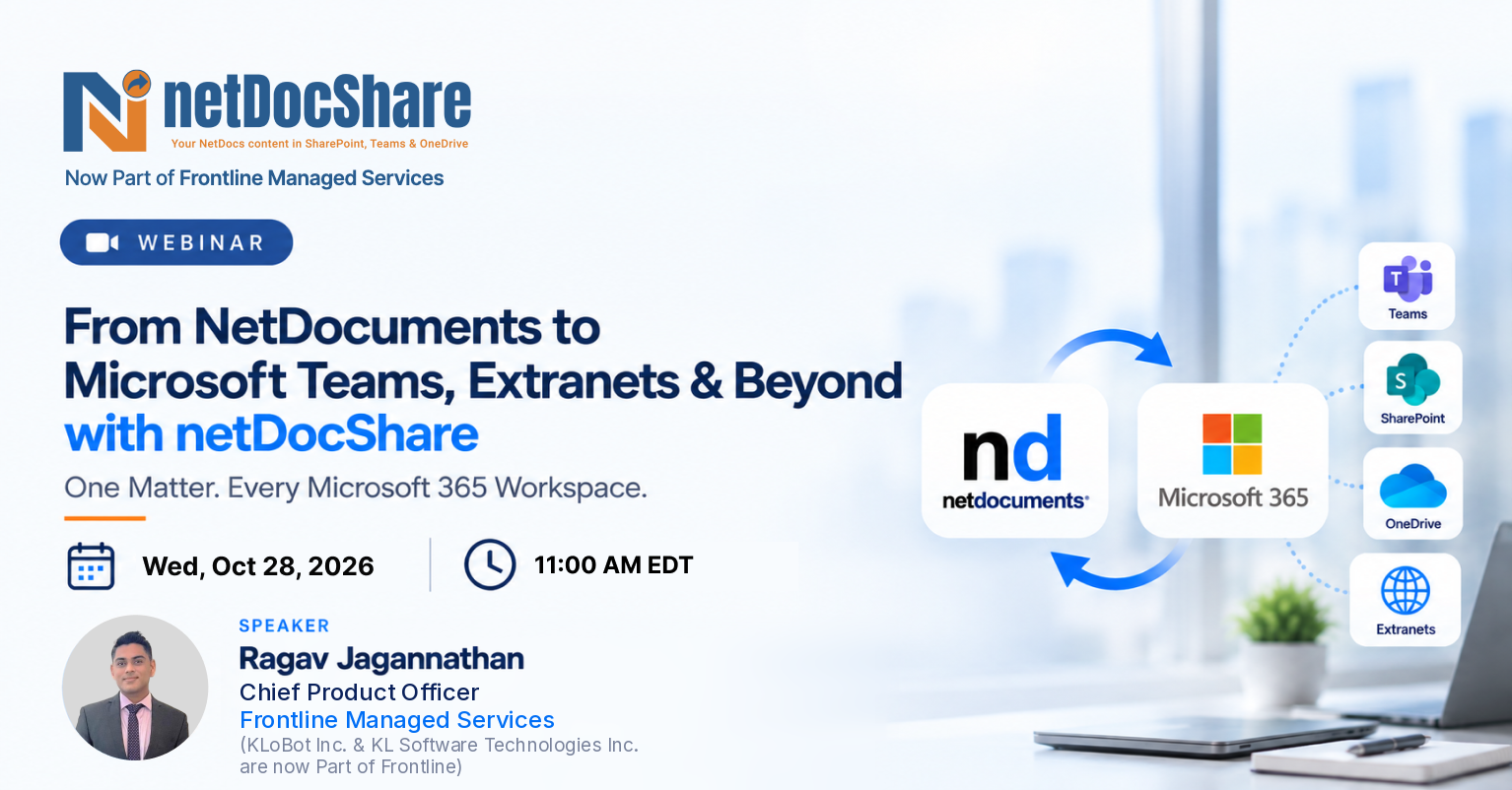
netDocShare Sync is designed to enable seamless synchronization of content across NetDocuments and the Microsoft 365 ecosystem. It supports synchronization at every level - entire cabinets, individual workspaces, folders and subfolders, and even specific files—giving firms complete control over how and where their content is synchronized.

Purpose of netDocShare Sync
The primary purpose of netDocShare Sync is to synchronize content between NetDocuments and Microsoft 365 services, including SharePoint, Microsoft Teams, OneDrive, and Network File Shares.
Organizations can configure one-way or bidirectional synchronization to ensure content remains accessible while maintaining governance and compliance.

Why Firms Are Choosing netDocShare Sync
Built for modern legal operations, netDocShare Sync goes beyond basic integration—delivering bi-directional, metadata-aware, and permissions-preserving (including Ethical Walls) synchronization across NetDocuments, SharePoint, Teams, OneDrive, and Network Shares.
Bi-directional or One-Way Sync
Full metadata and permission retention ensures your documents stay consistent across all platforms with complete fidelity.
Native Teams Channel Support
Seamlessly integrate with standard, private, and shared Teams channels for complete collaboration coverage.
Auto-Move with Links Preserved
Automatically migrate content from Teams/OneDrive to NetDocuments while maintaining all original links intact.
Linked Document Mode
Maintain a single source of truth in NetDocuments with intelligent linking that eliminates version confusion.
Move/Copy with DocID Retention
Preserve document identifiers and complete audit trails during all move and copy operations for compliance.
netDocShare Sync allows firms to synchronize a single file or an entire hierarchy of folders and subfolders within a cabinet or workspace. This granular approach ensures that only relevant content is synchronized, minimizing clutter while preserving folder structures, metadata, and document versions.
The key value proposition of netDocShare Sync lies in its ability to bridge NetDocuments with Microsoft 365. Content can flow seamlessly between systems, allowing users to collaborate in their preferred platforms while NetDocuments continues to function as the secure system of record.
Key Capabilities of netDocShare Sync
Core Synchronization Capabilities
Intelligent & Flexible Sync (Selective Sync by Timeframe)
Users can allow selective synchronization instead of copying everything. Firms can choose to sync only active matters or documents modified within a specific timeframe, (like the last 90 days) as a distinct, named capability.
Advanced Search-Based Sync (Major Enhancement)
Users can run advanced search across an entire cabinet to define sync criteria (e.g., "documents modified in the last 90 days") and use those search results as the sync source. This eliminates the need to manually select individual workspaces.
Dynamic Saved Search
Saved searches can now be updated dynamically. For example, a 'last 90 days' search will automatically adjust over time without manual intervention.
Metadata & Lookup Column Sync
netDocShare Sync supports syncing lookup columns such as client and matter metadata into SharePoint. This enables richer search and improves AI-driven insights. AI agents can reason not only on document content but also on structured metadata.
Intelligent Filename & Path Handling
SharePoint enforces strict path length limits and filename character restrictions. For law firms using NetDocuments, where deeply nested workspace structures and legacy naming conventions are the norm, these constraints create constant friction and most legacy sync tools handle this reactively, after failures occur. netDocShare Sync takes a proactive approach, resolving filename conflicts before synchronization even begins.
- Detects SharePoint path and filename limit violations before synchronization begins
- Automatically normalizes or truncates filenames to comply with SharePoint constraints
- Preserves the original NetDocuments filename in a dedicated SharePoint metadata column, ensuring zero data fidelity is lost
- Eliminates manual remediation of filename errors that plague legacy sync tools at scale
The result: IT teams spend less time firefighting filename errors and more time on higher-value work.
Exception Management & Noise Reduction
In high-volume law firm environments processing thousands of documents daily, exception logs can become overwhelming. When even a minor informational event generates an alert, operational teams lose sight of the issues that actually matter, a phenomenon known as alert fatigue.
netDocShare Sync is designed to surface signal, not noise:
- Groups and categorizes repetitive exceptions into a single actionable entry rather than flooding logs
- Suppresses previously acknowledged informational exceptions automatically
- Enables operational teams to distinguish true synchronization failures from routine informational events
- Configurable exception policies to match firm-specific operational thresholds
By reducing log noise, operations teams can act faster on the exceptions that genuinely require intervention, reducing mean time to resolution and protecting data integrity.
Enterprise-Scale Operational Logging
Operational visibility is non-negotiable in enterprise legal environments. When a synchronization job fails, IT teams need to understand what happened, why it happened, and when, without digging through thousands of unstructured log entries.
Every sync job produces a structured, detailed log file designed for rapid triage by IT and operations teams.
| Log Field | Description |
|---|---|
| Error Category | Classifies the type of failure for pattern analysis and proactive remediation |
| Severity Level | Distinguishes critical failures from warnings and informational events |
| Timestamp | Precise time of each event for audit, correlation, and compliance review |
This structured approach makes it straightforward to isolate true failures from operational noise, a critical capability when processing thousands of documents daily and operating under compliance obligations.
Retry & Recovery Logic
Transient failures are a fact of life in enterprise network environments, API throttling, network interruptions, and temporary file locks happen. The question is how your sync platform responds when they do.
Legacy tools often fail entirely and require a manual restart from the beginning of a job. netDocShare Sync handles transient failures intelligently and automatically:
Configurable retry policies for network interruptions, API throttling events, and temporary file lock conditions
Exponential backoff support to prevent API rate limit cascades from compounding
Automatic recovery resumes from the point of failure, not from the job start
For law firms where synchronization continuity is tied directly to business continuity, matter collaboration, client extranet access, Teams integration, this capability is a fundamental requirement, not a nice-to-have.
Governance, Compliance & Security Controls
For law firms operating in regulated environments, synchronization between a DMS and SharePoint is not just a technical event, it is a compliance event. Every document that moves must carry its permissions, its metadata, and its audit trail with it.
netDocShare Sync is built from the ground up for this requirement.
- Metadata Sync Bi-directional synchronization of NetDocuments Profile fields to SharePoint Columns, preserving matter context across platforms
- Permission Sync Full support for NetDocuments Ethical Walls; ethical wall alignment is enforced in SharePoint, preventing unauthorized access to synced content
- Audit Logging Detailed audit trail of all sync activity, accessible for compliance review and forensic investigation
- Selective Sync & Exclusion Policies Granular configuration to include or exclude specific workspaces, matters, or document types from synchronization scope
When data governance and security are non-negotiable, the sync layer must be held to the same standard as the DMS itself.
Modern Collaboration with Microsoft 365
Simplified Workflow (No Context Switching)
Users no longer need to create saved searches in NetDocuments and then switch back to the sync tool. Instead can perform searches, save them, and use them directly within the sync tool. This simplifies the entire workflow and improves usability.
Modernization & Migration
Automation with Power Automate
We now support creating sync jobs through Power Automate. The system can automatically detect new workspaces and create corresponding sync jobs. This eliminates manual effort and significantly reduces IT overhead.